InvoicesCrafts
1. Missing the reference the customer needs
A correct customer name is only the beginning. Some clients need a purchase-order number, project code or department reference before their accounts team can process a bill. Confirm the requirements with the person who commissioned the work, and include the reference in the invoice.
Use a unique invoice number as well. A consistent pattern makes it easier to find the document when someone asks about a payment. Before sending, check that the new number is not already assigned to a different issued invoice.
2. Describing every charge as services
A line that simply says Services makes the customer work out what was delivered. Describe the task, deliverable or product in terms the customer recognizes. Add a service period or milestone when it helps explain what the bill covers.
Compare Monthly maintenance, September 2026, 1 × USD 200 with the same amount labeled Miscellaneous. The more concrete description gives the customer something to compare with the agreement, without making the invoice unnecessarily long.
3. Leaving the currency open to interpretation
Symbols such as $ are used by several currencies. Show a currency code when there is any possibility of confusion, particularly for international customers. Verify that the selected invoice currency matches the contract and the payment instructions.
In InvoicesCrafts, a country profile sets the starting currency and local formatting. You can choose another supported currency when the agreement requires it. Changing that setting does not automatically convert the numbers you have already entered, so review every amount after a currency change.
4. Asking for payment soon without a due date
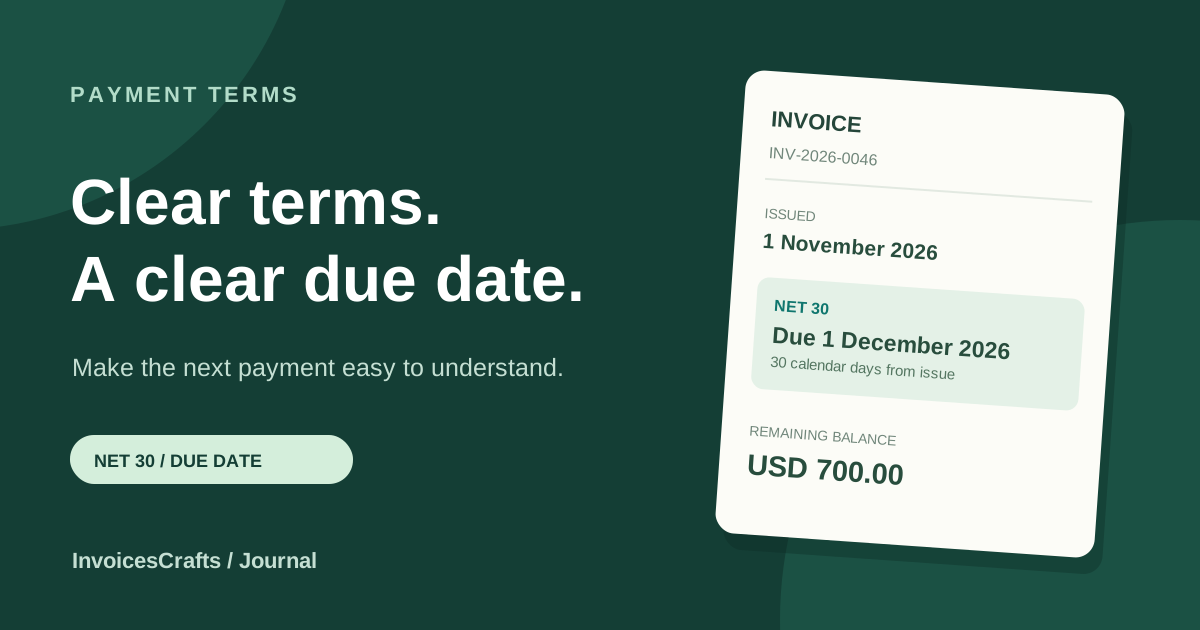
Use an exact payment due date based on the agreed terms. A phrase such as Pay soon leaves the customer to infer when you expect the money. If you use a term such as 14 days after issue, check that the displayed due date matches it.
Include the agreed payment method and the information the customer needs to use it. Confirm transfer details through your usual trusted channel, especially if they have changed since the last transaction. The invoice should make the next step easy to identify.
5. Treating a deposit as if it had not been received
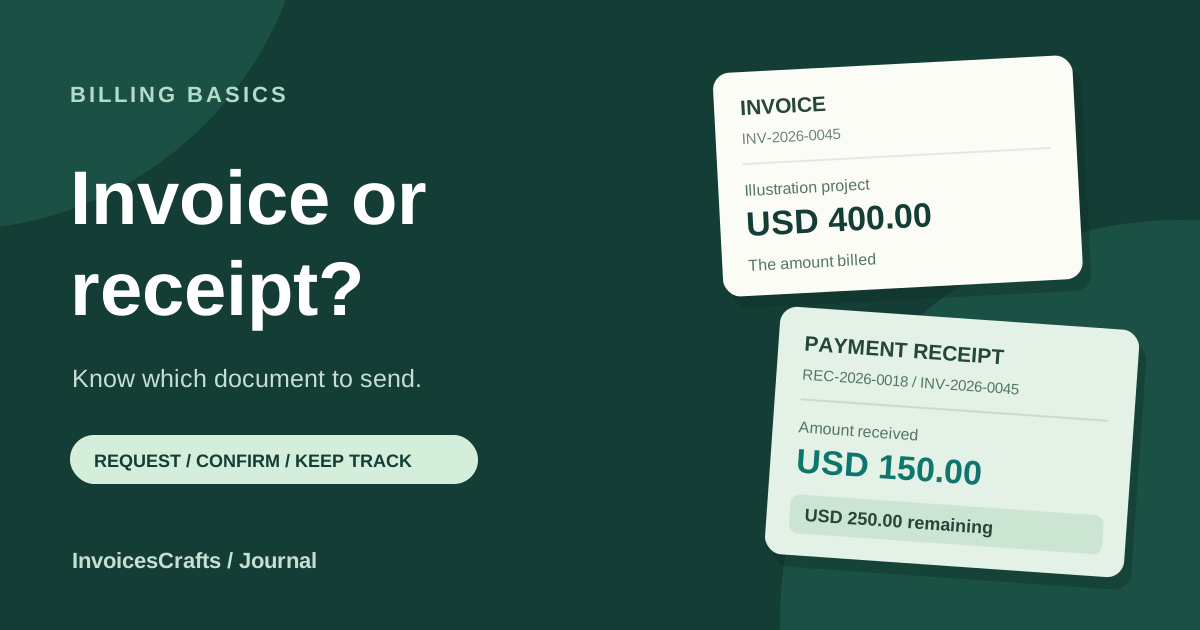
If the customer has already paid a deposit, show it clearly and distinguish the invoice total from the remaining amount due. A customer who cannot reconcile the balance may need to pause and ask for a corrected explanation.
For a USD 900 invoice with a USD 200 payment already received, the remaining balance is USD 700 when no other adjustments apply. Check the amount and record of the payment before entering it. Record later payments in the workspace so the outstanding balance stays useful.
6. Choosing a tax preset without reviewing the sale
A country-aware preset is a starting point for filling out the document. It does not establish whether your business must charge tax, whether a particular rate applies or whether a special treatment is available. Review the actual transaction before issuing the invoice.
Use the relevant identifiers, supply fields and notes when your transaction requires them, and check that the final tax amount agrees with the treatment you selected. Where a legal requirement is unclear, refer to current official guidance or qualified advice rather than guessing from the template.
7. Sending the PDF without opening it
The finished PDF is what your customer sees. Open it after exporting and check every page, including the final total and payment instructions. Long descriptions and notes can change the page count, and browser print settings can affect paper size and backgrounds.
InvoicesCrafts exports through the browser's print dialog. Choose Save as PDF, match the paper size to the invoice profile and inspect the preview. If you edit the draft after exporting, save a new PDF so you send the final version.
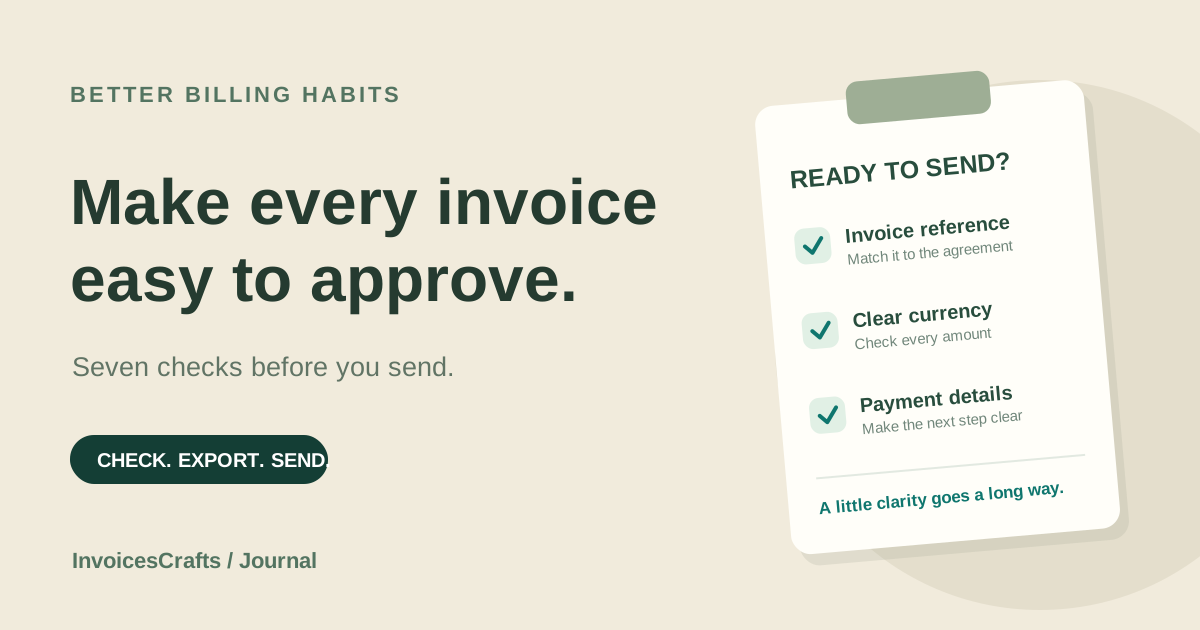
A quick check you can repeat for every invoice
You do not need a complicated review process. Use the same short checklist for each document, then keep the PDF and editable draft with the transaction's records.
- Correct customer, invoice number and required reference.
- Recognizable descriptions, quantities and rates.
- Agreed currency and reviewed tax treatment.
- Correct deposit, total and balance due.
- Exact due date and complete payment instructions.
- Readable PDF, with the final page checked.
Common questions
Will a clearer invoice guarantee that the client pays on time?
No. A clear invoice can reduce avoidable questions, but payment also depends on the client's approval process, the agreement and other circumstances. Keep your own follow-up and payment records.
Can I reuse the same checklist for different invoice templates?
Yes. Customer details, references, amounts, currency and payment instructions matter across templates. Review any additional fields required for the document and transaction you are preparing.
How do I review the final invoice PDF?
Export with the template's print or PDF action, choose Save as PDF, then open the saved file. Check the customer details, each line item, the balance and the payment instructions on every page.